Powering Every Shift From Menu to Margin
Menus, orders, POS, payments, staff, and guest profiles — all in one system, with one login, one dashboard, and one source of truth for every shift.
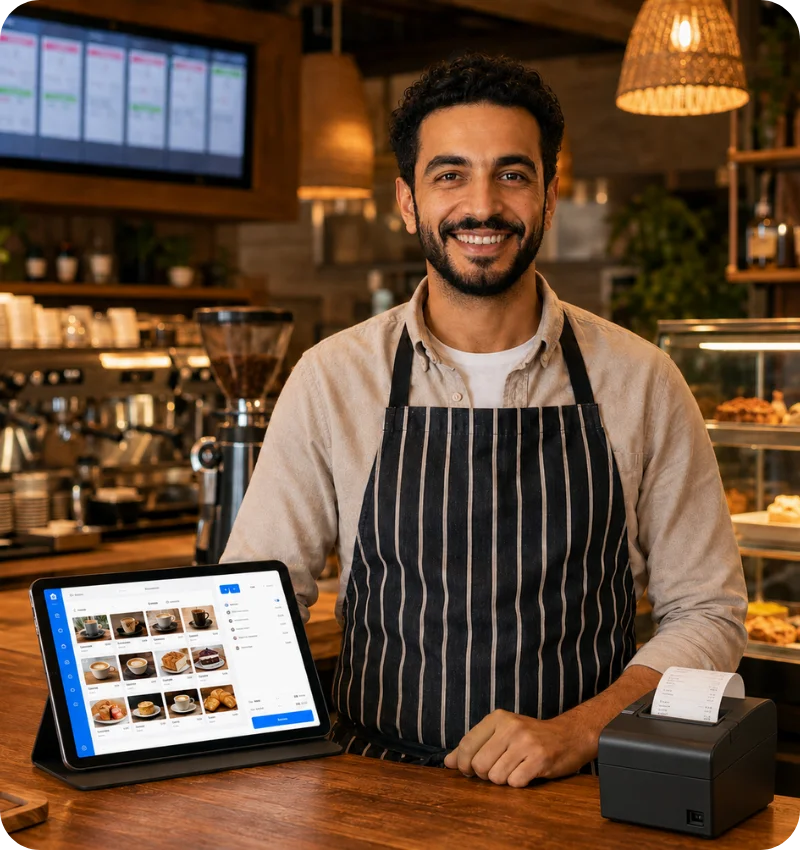
DigitOrder runs in any browser on the devices you already own — with no special hardware, no app-store installs, and no unexpected per-seat licensing. From single-location cafes and quick-service counters to full-service restaurants, cloud kitchens, and hotel restaurants, DigitOrder gives every operation the tools to run day-to-day service from day one.
See how DigitOrder Works
One platform that unifies ordering, service, payments and reports — easy to start, easy to grow with.
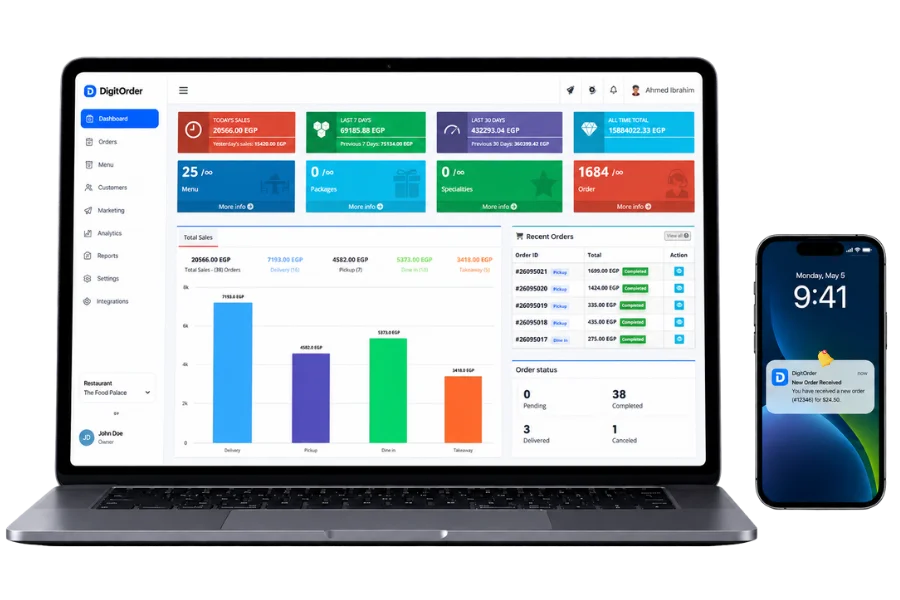
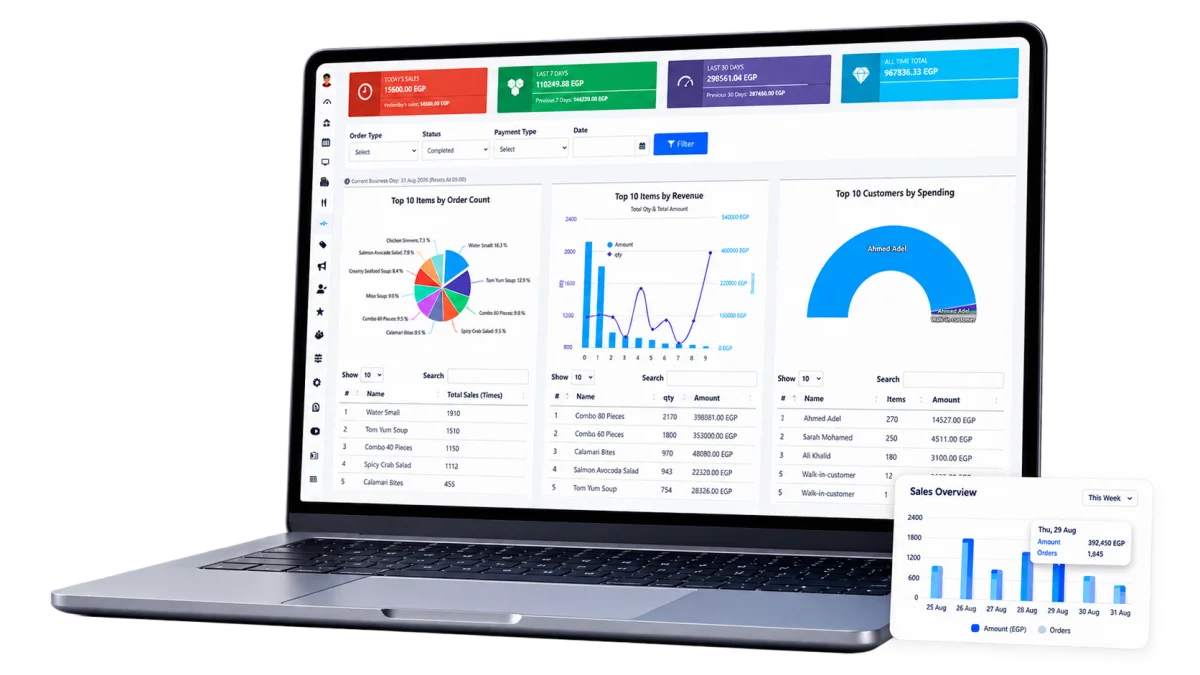
One dashboard, every channel
Online, QR and WhatsApp orders land in a single dashboard the moment they are placed.
- Every channel in one order inbox
- Live table and order status
- No re-login between tools
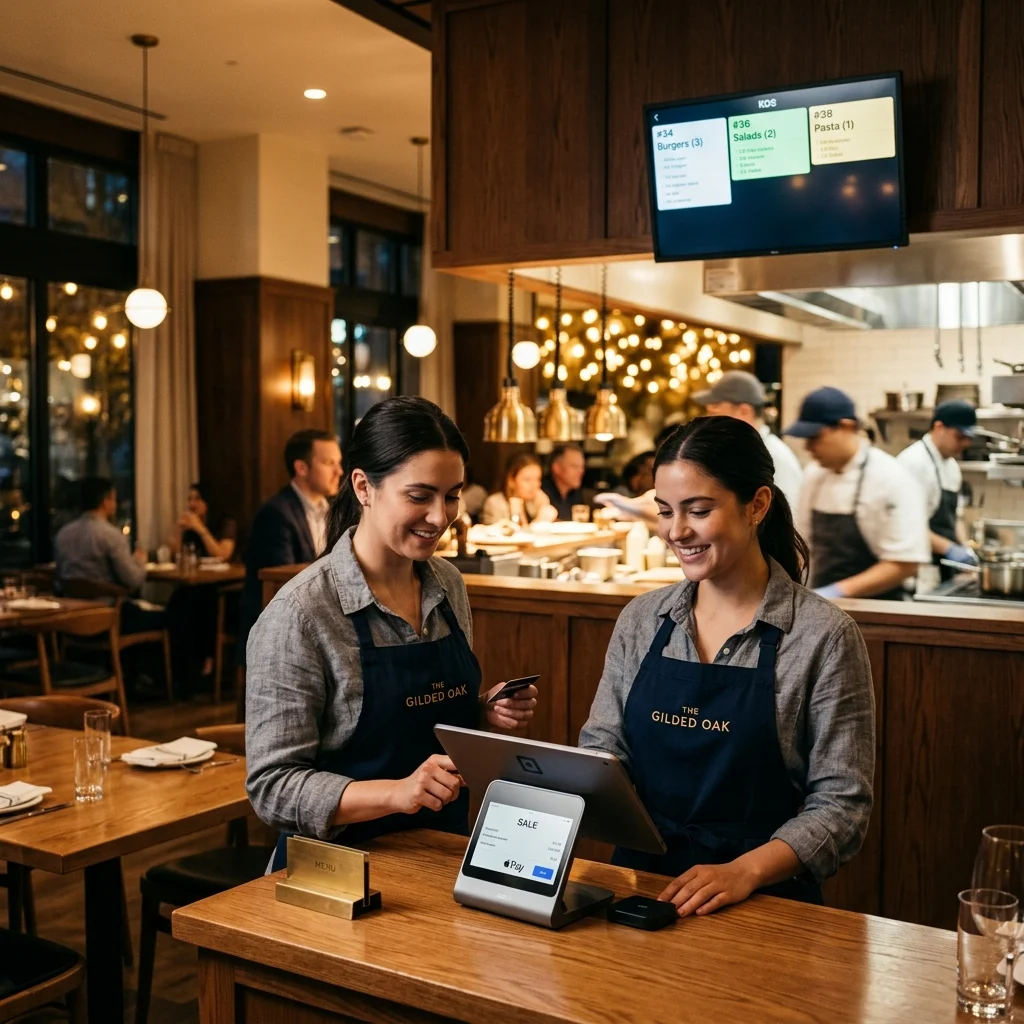
From the counter to the kitchen
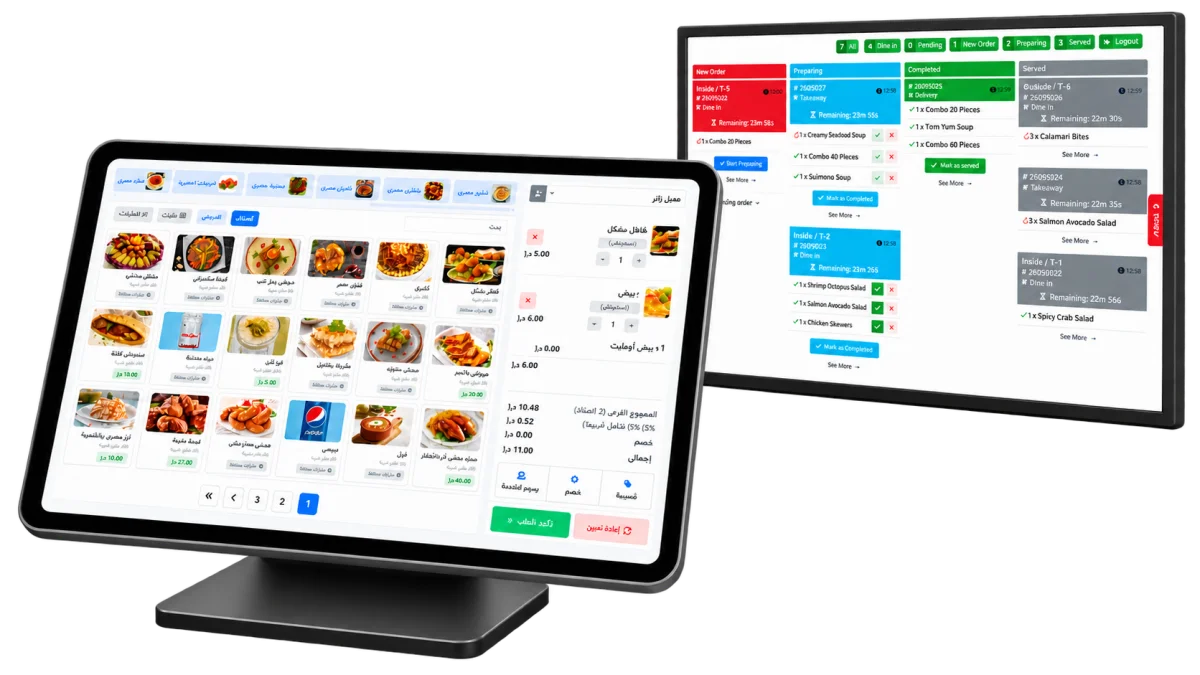
The POS sends every ticket straight to the kitchen display the moment it's placed — on the hardware you already own.
- Sizes, variants and prep notes on every ticket
- Tickets print or hit the KDS instantly
- Flexible bill splitting and automated tax handling
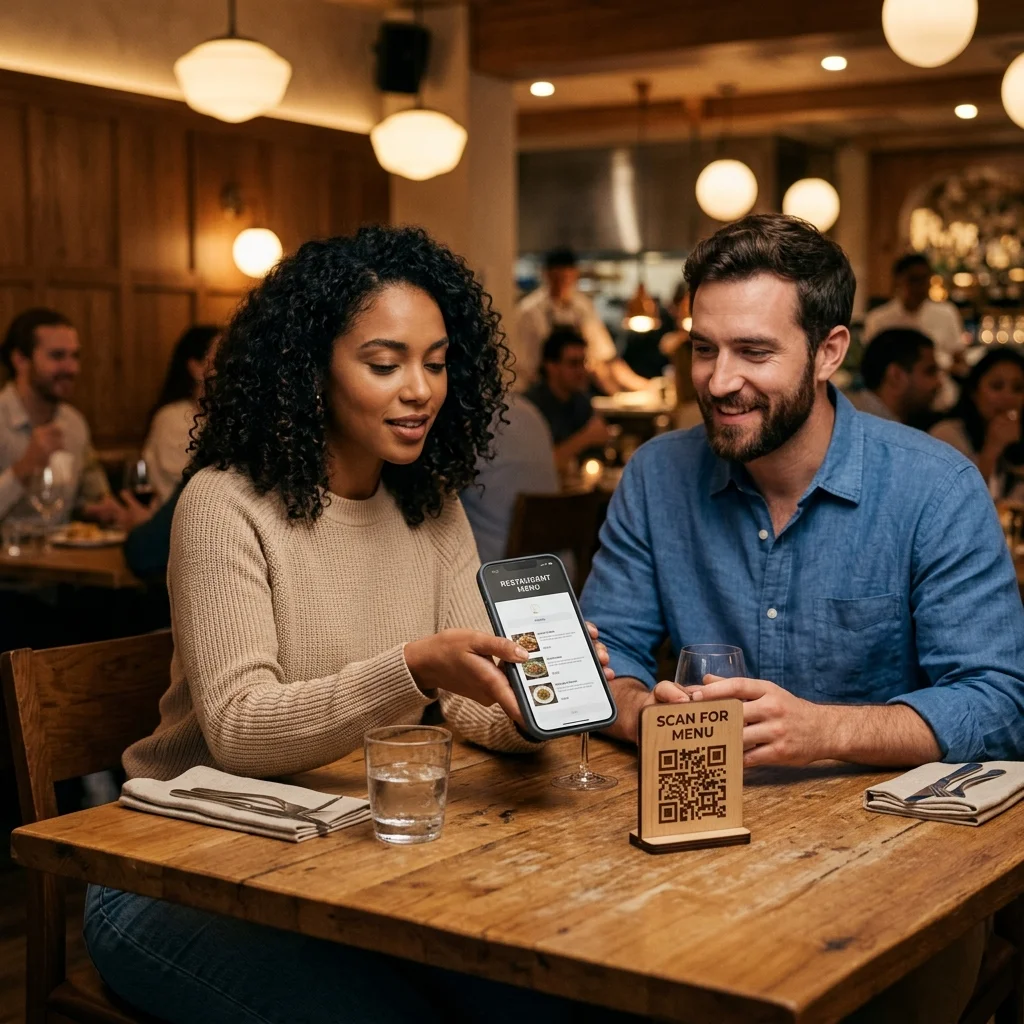
Guests order from the table
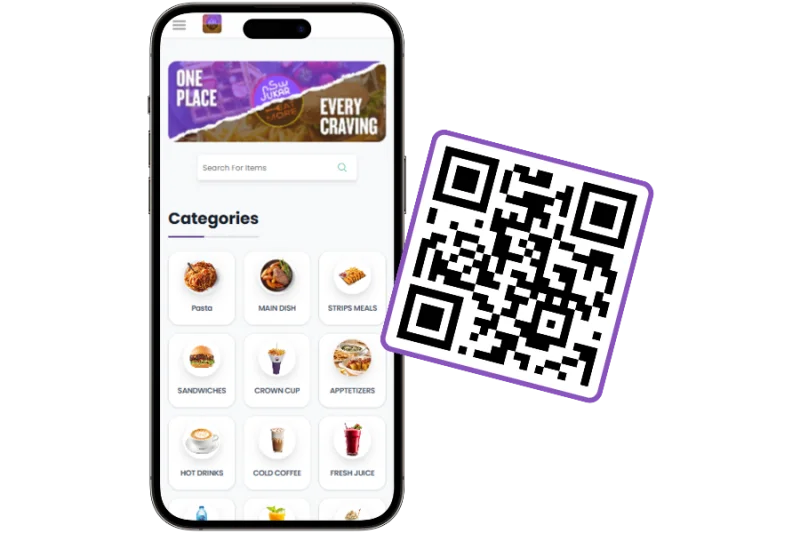
A QR code per table opens your menu on any phone — no app install needed
- One QR per table, no app install
- Menus update instantly, no reprints
- Guests browse in their own language
Accurate Reports. Faster Decisions.
Sales, earnings and item performance update in real time, per channel, per shift.
- Sales per channel, item and shift
- Payouts matched to every order
- Export-ready reports for your accountant
Take Orders Everywhere
Your website, QR menus and WhatsApp all feed the same platform.
Commission-Free Online Ordering
No marketplace takes a cut of your orders, so you keep what you earn.
QR Code Menus
Let guests browse your menu and order from their phones while reducing wait times and printed menus.
WhatsApp Ordering
Customers order, ask questions and get updates in the same WhatsApp chat they use every day.
Restaurant Website
A complete site for your menu, ordering and contact details, styled like your restaurant instead of a marketplace page.
Run Service Without the Chaos
DigitOrder connects your POS, kitchen, tables, and reservations in one platform, keeping orders moving smoothly from the guest to the kitchen.
Restaurant POS
Take orders, process payments, and manage split bills, tips, and taxes from one screen.
Orders Straight to the Kitchen
Replace handwritten tickets with a live kitchen display that shows orders as soon as they’re placed.
Table & Seating Management
See occupied, available, and reserved tables at a glance.
Reservations
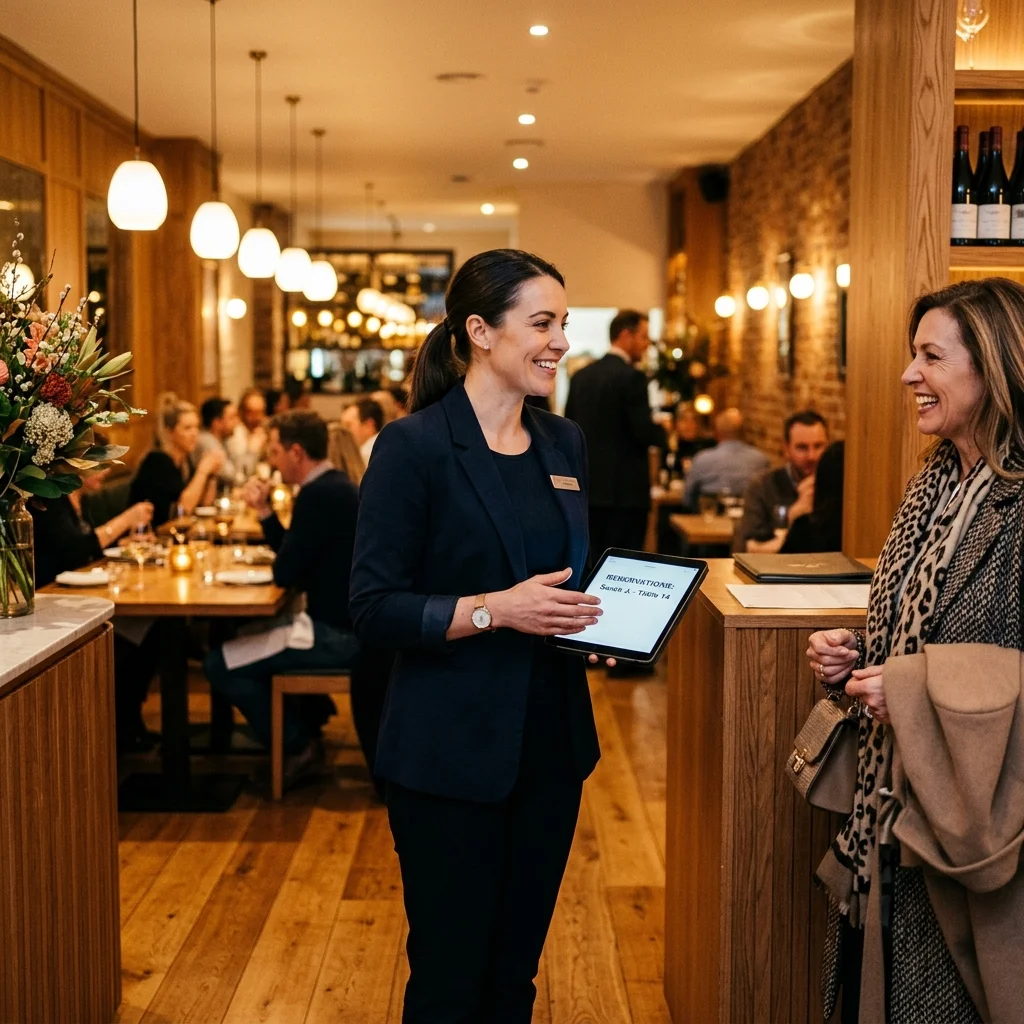
Accept bookings 24/7 and manage seating from one screen, including in-room dining for hotel guests.
Get Paid, Know What's Working
Every payment, order and sale is automatically recorded, with reports you can reconcile in minutes instead of evenings.
Accept Secure Payments Anywhere You Sell
Online, in-store, or with a shareable payment link.
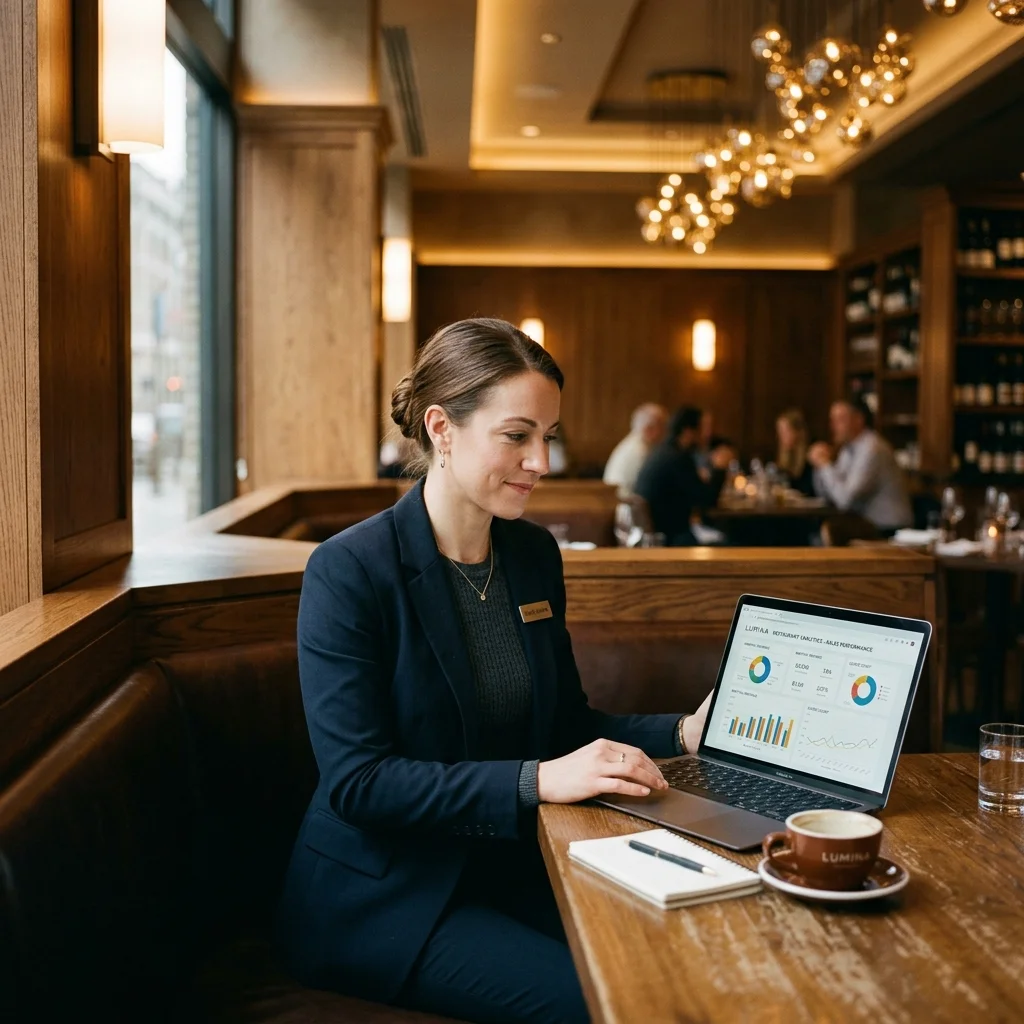
Restaurant Analytics
Track sales, earnings and performance trends per channel, per item, per shift.
Permissions for Staff, Profiles for Guests
Set exactly what each employee can see and do, and keep every guest's details, order history and reviews in one connected profile.
Give Every Employee the Right Access
Cashiers, cooks and managers each see only the tools their role needs.
Turn First-Time Guests Into Regulars
Details, order history and reviews stay attached to each guest, so you recognize them when they come back.
When an order lands, every screen updates.
A guest scans a QR code and orders. The ticket hits the kitchen display, the table status updates, and the order lands in that guest's profile for next time. The same pipeline runs for tables, your website and WhatsApp, so however guests order, your restaurant runs the same way.
FAQ
Short answers on setup, hardware, payments and going live.
Do I need to install an app to use DigitOrder?
DigitOrder runs entirely in your web browser. Your staff can access it from any phone, tablet, or computer without downloading software.
Does DigitOrder take a commission on online orders?
We do not take a percentage of your sales. You keep your revenue, paying only your monthly subscription and standard payment processing fees
Can I use my own domain name for my website?
You can connect your existing domain to your DigitOrder site, or use our default subdomain while you set up your menu.
Is the platform built only for large restaurant chains?
DigitOrder scales to fit your operation. It powers single-location cafes, quick-service counters, full-service dining rooms, and cloud kitchens.
Which languages does the platform support?
The interface is available in English, Arabic, Italian, and Russian, so your staff and guests can use the system in their preferred language.
Do you provide onboarding and setup support?
Our team handles menu configuration, system setup, and staff training to get your restaurant ready for service.
Ready to Run Your Restaurant From One Screen?
Build your website, take commission-free orders and manage your restaurant from one dashboard